Ever wondered if your powerful gaming laptop sends the wrong signal in a professional setting? The lines between high-performance gaming machines and sleek business workstations are blurring faster than ever. This comprehensive guide dives deep into whether gaming laptops are unprofessional, dissecting common perceptions versus modern realities. We explore how evolving designs, powerful components useful for both play and productivity, and a shifting work culture are changing the game. Discover practical tips on choosing the right model, optimizing your setup, and managing appearances to ensure your multi-talented machine empowers you in both your passion and your career. From debunking myths about flashy RGB to highlighting discrete performance beasts, we provide the ultimate resource for the busy gamer balancing work, family, and life who needs a single device that truly does it all without compromise or judgment.
Is it truly unprofessional to use a gaming laptop for work?
No, the idea that gaming laptops are inherently unprofessional is an outdated stereotype. Modern gaming laptops often feature sleek designs and powerful components that are highly beneficial for demanding professional tasks like video editing, 3D modeling, and data analysis. The key lies in choosing a discreet model and managing its appearance and performance for a professional setting.
What design elements on gaming laptops signal unprofessionalism?
Overly aggressive aesthetics, excessive RGB lighting that cannot be turned off, and very loud fan noise typically signal unprofessionalism. To avoid this, opt for gaming laptops with minimalist designs, subtle branding, and the ability to customize or disable all RGB lighting for a clean, professional look.
Can a gaming laptop actually enhance my professional productivity?
Absolutely. The high-performance CPUs, dedicated GPUs, and ample RAM found in gaming laptops can significantly boost productivity for professionals in fields like graphic design, video production, engineering, and software development. These powerful components accelerate rendering, compilation, and complex computations far beyond what standard business laptops can achieve.
How do modern gaming laptops look compared to traditional business models?
Modern gaming laptops, especially those from brands like Razer, ASUS Zephyrus, and MSI Stealth, have adopted minimalist designs that often mimic the sleek, premium aesthetics of high-end business laptops. They feature clean lines, metal chassis, and subtle branding, making them virtually indistinguishable from professional workstations when their RGB lighting is turned off.
What are the best discrete gaming laptops for office use?
For office use, look for models like the Razer Blade series, ASUS ROG Zephyrus G14/G16/M16, MSI Stealth series, or Gigabyte AERO series. These laptops are known for their powerful internal hardware combined with understated, professional designs, allowing them to blend seamlessly into a corporate or professional environment while still offering top-tier gaming performance.
How can I make my gaming laptop appear more professional?
To make your gaming laptop appear more professional, disable or set RGB lighting to a static, neutral color. Use a professional, non-distracting wallpaper, keep your desktop clean, and maintain a tidy physical workspace. When not gaming, use power profiles that reduce fan noise and ensure your laptop's performance aligns with your work tasks.
Do gaming laptops offer better performance value than standard work laptops?
For individuals needing high performance for both professional tasks and gaming, gaming laptops often offer superior value. They provide powerful CPUs and GPUs at a competitive price point compared to business laptops with similar high-end specifications. This dual-purpose capability means one device can efficiently handle both demanding work and entertainment, offering excellent bang for your buck.
Ever found yourself staring at your powerful gaming laptop, wondering if its flashy RGB and aggressive design silently screams 'hobbyist' instead of 'professional' in a serious work meeting? You're not alone. Many adult gamers, often balancing demanding jobs, family responsibilities, and a passion for gaming, face this exact dilemma. We value relaxation, the fun of skill-building, social play, and performance optimization, but also need tools that convey competence and seriousness in our careers. The good news is, the world of gaming laptops has evolved dramatically, and so have workplace perceptions.
This guide is crafted for you, the busy professional who loves to game. We’re here to tackle the burning question: are gaming laptops unprofessional? We'll debunk myths, highlight practical solutions, and show you how your high-performance machine can be an asset in both your gaming sessions and your professional life. We'll dive into how to choose a laptop that blends in, optimize its performance for work, and navigate the subtle art of professional perception. Forget the hype; let's get down to practical solutions that save you time, money, and headaches.
Did you know that according to recent US gaming statistics, a whopping 87% of adult gamers play regularly, often dedicating 10+ hours a week? This isn't just a niche; it's a massive, engaged audience that often juggles their digital adventures with significant real-world responsibilities. Many gamers now rely on mobile devices, but the PC remains supreme for serious titles and creative work. Social gaming is more prevalent than ever, with platforms like Discord connecting friends globally. So, let’s explore how your gaming powerhouse can seamlessly integrate into your professional life.
Are Gaming Laptops Truly Unprofessional in the Workplace?
The short answer is: not anymore, not necessarily. The perception of gaming laptops as unprofessional is largely outdated. Historically, gaming laptops were bulky, loud, and adorned with aggressive aesthetics and vibrant RGB lighting, making them conspicuous in a corporate environment. However, modern designs have shifted dramatically. Many manufacturers now offer sleek, minimalist gaming laptops that blend in seamlessly with traditional business laptops. The focus has moved towards powerful hardware housed in discreet, often aluminum or magnesium alloy chassis, making them far less noticeable.
Furthermore, the nature of work itself has changed. With remote work becoming more common and many industries valuing performance and versatility, the tools you use are often judged by their output rather than their appearance alone. For creative professionals, engineers, data analysts, or anyone requiring significant processing power, a gaming laptop's robust CPU, powerful GPU, and ample RAM can be a distinct advantage, easily outperforming standard business machines in demanding applications.
What Features Make a Gaming Laptop Seem Unprofessional and How to Avoid Them?
Certain features traditionally associated with gaming laptops can indeed create an unprofessional impression. These include excessive RGB lighting, overly aggressive or futuristic designs (think sharp angles, vents that resemble sports car intakes), loud fan noise, and thick, heavy chassis. While these elements are fun for gaming, they might not convey seriousness in a client meeting or a quiet office.
To avoid this, look for gaming laptops with minimalist designs. Many brands now offer 'stealth' or 'creator' series laptops that prioritize a clean, understated look. Choose models with subtle branding, monochromatic color schemes, and less prominent venting. Most importantly, ensure you can disable or customize RGB lighting for a professional appearance. Managing fan noise through silent modes or quiet fan profiles when not gaming is also crucial. A clean, uncluttered desktop background and screen protector can further enhance a professional image.
Can Gaming Laptops Actually Boost Your Productivity for Work?
Absolutely. Beyond gaming, the raw power packed into a modern gaming laptop translates directly into significant productivity boosts for many professional tasks. High-end processors (Intel Core i7/i9 or AMD Ryzen 7/9) excel at CPU-intensive applications like video editing, 3D rendering, CAD software, and complex data analysis. The dedicated graphics cards (NVIDIA GeForce RTX or AMD Radeon RX) aren't just for pushing frames in games; they accelerate tasks like graphic design, AI/machine learning development, and even streaming professional presentations smoothly.
Many gaming laptops also come with fast NVMe SSDs for rapid boot times and application loading, along with generous amounts of RAM (16GB or 32GB is common) for seamless multitasking. This means you can run multiple demanding applications simultaneously without slowdowns, switch between projects instantly, and handle large files with ease. For professionals who deal with heavy workloads, a gaming laptop can be a far more capable machine than a standard business ultrabook.
How Do Modern Gaming Laptops Compare to Business Laptops in Appearance?
The gap in aesthetics between gaming and business laptops has narrowed considerably. Five years ago, the distinction was stark. Today, many gaming laptops could easily be mistaken for premium business workstations. Brands like Razer, ASUS (with their ROG Zephyrus series), MSI (Stealth series), Gigabyte (AERO/Creator series), and Dell (Alienware's more subdued models) have embraced minimalist design principles. They feature sleek, anodized aluminum bodies, slim bezels, and subtle branding.
These laptops often boast high-resolution, color-accurate displays, excellent keyboards, and robust build quality, features traditionally found in high-end business machines. While business laptops still typically emphasize extreme portability and battery life, gaming laptops are catching up in terms of thinness and weight, making them increasingly suitable for professional mobility. The visual difference is often only noticeable when the RGB keyboard lighting is active, which can usually be turned off or set to a static white.
When Is it Acceptable to Use a Gaming Laptop for Work Purposes?
The acceptability largely depends on your specific work environment, company culture, and role. In roles requiring significant computing power – such as video editing, graphic design, software development, data science, or engineering – a gaming laptop is not only acceptable but often preferred for its performance. Remote work environments also offer more flexibility, as your colleagues primarily interact with your output, not your hardware.
Even in traditional office settings, a discreetly designed gaming laptop is often fine, especially if it's your personal device. If your company provides equipment, ensure it complies with their IT policies. It's always a good idea to gauge the office culture; if everyone uses basic work machines, a highly stylized gaming laptop might stand out. However, if your work genuinely benefits from the extra power, or if you maintain a professional demeanor, most people won't bat an eye. The key is to let your work speak for itself.
What Are the Best Gaming Laptops for a Professional Environment in 2026?
For 2026, several gaming laptop lines stand out for their blend of powerful performance and professional aesthetics. Look for models from:
- Razer Blade Series: Known for their sleek, MacBook-esque aluminum chassis, minimal branding, and customizable RGB. The Blade 14 or Blade 16 are excellent choices for discreet power.
- ASUS ROG Zephyrus Series: Especially the G14, G16, M16, and Duo models. They often feature clean designs, impressive displays, and strong performance without excessive flash. The Zephyrus G14, a popular choice, offers a compact form factor that's great for portability.
- MSI Stealth Series: True to their name, these laptops prioritize a thin, light, and understated design while still packing top-tier gaming components.
- Gigabyte AERO Series: Marketed towards creators, these laptops offer excellent color-accurate displays and powerful internals in a very clean, professional package, making them ideal for both creative work and gaming.
- Lenovo Legion Pro Series (certain models): While some Legions can be a bit bulkier, specific Pro models offer a more refined look with powerful components suitable for demanding tasks.
When choosing, prioritize laptops with subtle finishes, minimal external RGB (or the option to turn it off), and a solid, premium build that feels substantial in a professional context.
How to Optimize a Gaming Laptop for Professional Use and Minimize Distractions?
Optimizing your gaming laptop for professional tasks involves a few key steps:
- Clean Desktop and Workspace: Maintain a tidy digital and physical workspace. Remove game shortcuts from your desktop and use a neutral, professional wallpaper.
- Power Profiles: Utilize your laptop's software (e.g., NVIDIA GeForce Experience, AMD Adrenalin, or manufacturer-specific utilities) to create distinct power profiles. Set a 'Work' profile that limits CPU/GPU power to reduce fan noise and extend battery life, and a 'Gaming' profile for full performance.
- Disable RGB: Turn off all RGB lighting on your keyboard and chassis, or set it to a static, professional white/blue color.
- External Peripherals: For desk work, connect a professional external monitor, keyboard, and mouse. This setup minimizes the 'gaming' appearance of the laptop itself.
- Software Management: Close unnecessary gaming applications or launchers when working. Use task manager to ensure background processes aren't consuming resources.
- Headphones for Calls: Use a good quality headset for video conferences to ensure clear audio and block out any potential fan noise.
- Keep it Updated: Ensure your operating system and drivers are always up to date for optimal performance and security.
Do Gaming Laptops Offer Good Value for Money Compared to Business Laptops?
For users who need both high performance for demanding professional applications and the ability to game, gaming laptops often offer superior value for money compared to equivalent business laptops. A business laptop with a dedicated GPU, high-end CPU, and ample RAM for tasks like video editing or 3D modeling can often cost as much as, or even more than, a gaming laptop with similar or better specifications. This is because business laptops often include features like advanced security suites, enterprise support, and specific certifications that drive up their cost.
A gaming laptop provides a dual-purpose solution. You get a machine capable of handling the most resource-intensive work tasks during the day and providing an immersive gaming experience by night, all in one package. For the average age 36 gamer who balances a job and family, this value proposition is highly attractive, minimizing the need for multiple expensive devices and simplifying life.
What About Battery Life and Portability for Professional Gaming Laptops?
Historically, battery life and portability were significant weaknesses for gaming laptops. They were notorious for short battery life and heavy, bulky designs. However, considerable advancements have been made. Modern gaming laptops, especially those with power-efficient CPUs (like AMD Ryzen processors) and NVIDIA's Optimus technology (or AMD's equivalent) which intelligently switches between integrated and dedicated graphics, can now offer respectable battery life for light work tasks. Many can achieve 6-8 hours, and some even longer, for web browsing and document editing.
While they still won't match the ultra-long battery life of dedicated ultrabooks, it's often enough for a morning of meetings or working away from a power outlet. In terms of portability, many models are now impressively thin and light, rivaling some 15-inch business laptops. While they might still be slightly heavier, the difference is often negligible for daily commutes or carrying between offices. Investing in a good quality, padded laptop bag can make a big difference in transport comfort.
How Can You Manage Perceptions of Using a Gaming Laptop in the Office?
Managing perceptions is less about the laptop itself and more about your professional demeanor and the context. Here are some tips:
- Focus on Performance: Let your laptop's ability to handle demanding tasks speak for itself. If you're rendering a complex model or running sophisticated simulations faster than anyone else, the 'gaming' aspect becomes secondary.
- Maintain a Professional Setup: Use a clean, non-distracting wallpaper. Keep your physical desk tidy. When presenting, ensure no gaming launchers or distracting notifications pop up.
- Choose Discretion: Opt for a gaming laptop with a minimalist design. Disable RGB lighting when in a professional setting.
- Behavior is Key: Your professional attitude, work ethic, and contributions will always outweigh the type of laptop you use. Don't play games during work hours, and be mindful of any loud fan noises.
- Highlight Versatility: If asked, frame it as a powerful workstation capable of handling demanding tasks, which also happens to be great for personal use. Emphasize its productivity benefits.
Ultimately, a gaming laptop can be a powerful and professional tool if used thoughtfully and appropriately. The perception of 'unprofessional' often stems from outdated stereotypes rather than the device's actual capabilities or how it's used today.
In 2026, the discussion around whether gaming laptops are unprofessional is largely a relic of the past. Modern gaming machines are powerful, often sleek, and incredibly versatile tools that can serve both your professional ambitions and your passion for gaming. For busy adults who love to game, balancing work and play has never been easier or more efficient with a single, capable device. By choosing wisely and managing perceptions, your gaming laptop can be your ultimate ally in both worlds.
What's your biggest gaming challenge balancing work and play? Comment below!
FAQ Section
Is RGB lighting on a laptop always unprofessional?
No, not always. While flashing RGB can be distracting, many modern gaming laptops allow you to turn off RGB entirely or set it to a static, subtle color like white or blue, making it professional and discreet for work environments.Can I use my gaming laptop for video conferencing?
Absolutely. Gaming laptops come with high-performance processors and often good webcams (though external ones are always better). Just ensure your lighting is good, background is professional, and any fan noise is managed by adjusting power profiles.Are gaming laptops too noisy for an office environment?
Gaming laptops can be noisy under heavy load (like gaming), but when performing standard work tasks, they can be configured to run quietly using 'silent' or 'balanced' power profiles in their control software. Fan noise can be significantly reduced to blend into an office environment.Do gaming laptops have good security features for work?
Most gaming laptops offer standard Windows security features, including Windows Hello fingerprint readers or facial recognition on some models. While they may lack enterprise-specific features like TPM or vPro found in dedicated business machines, they are generally secure enough for personal and many professional uses when properly maintained with antivirus and updates.Can gaming laptops run professional software efficiently?
Yes, gaming laptops are exceptionally good at running professional software that requires significant computing power, such as CAD, video editing suites (Adobe Premiere, DaVinci Resolve), 3D modeling programs (Blender, AutoCAD), and data analysis tools. Their powerful CPUs, GPUs, and ample RAM often outperform standard business laptops for these tasks.What's the ideal screen size for a dual-purpose gaming and work laptop?
For a dual-purpose laptop, a 15-inch or 16-inch screen often strikes the best balance. It offers enough screen real estate for productivity tasks and immersive gaming, while still being reasonably portable. Larger 17-inch models are great for immersion but sacrifice portability, and smaller 13-14 inch models might feel cramped for extensive work.Versatility of modern gaming laptops for work and play, sleek and discreet design options, performance benefits for demanding professional tasks, managing workplace perceptions, cost-effectiveness of dual-purpose machines, latest trends in gaming laptop aesthetics.
35


Best Gaming Laptops At CES 2026 RTX 5090 Options Dual Screen Picks Lenovo Legion Pro Rollable Concept. CES 2026 Asus Hidupkan Kembali Laptop Gaming Dual Layar Dengan Hero . Check Out The Latest ROG Gaming Gear Revealed At CES 2026 . Red Magic Gaming Laptop 16 PRO 2026 Red Magic Gaming Laptop 16 PRO 2026 74474549hdx . The Best Cheap Gaming Laptops For 2026 Tested For Gaming Top 3 Gaming Laptops Of 2026 - The Ultimate Guide
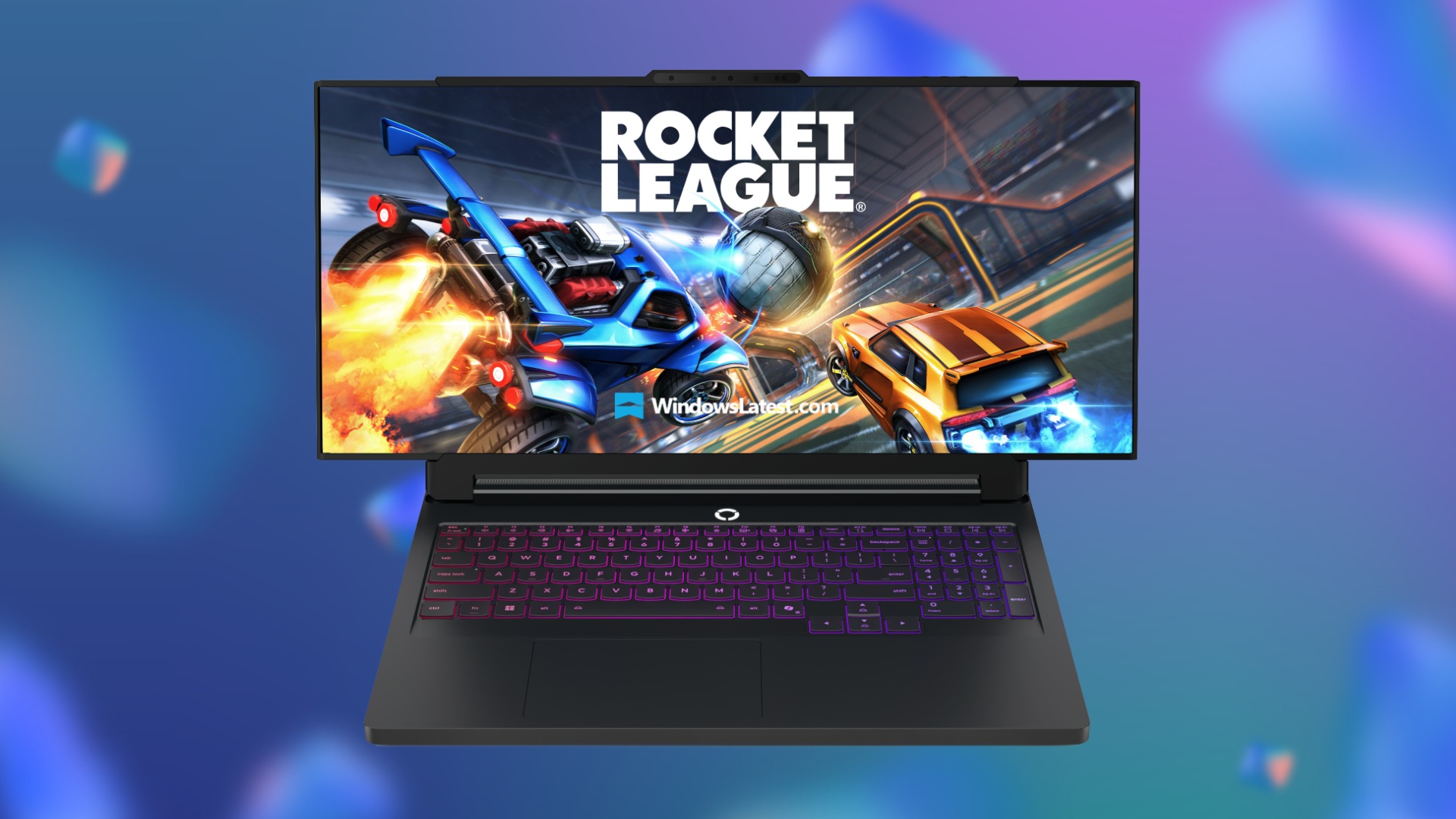



Lenovo To Release An Ultrawide Legion Pro Gaming Laptop With Rollable Lenovo Legion Go Pro Rollable . Red Magic Gaming Laptop 16 Pro 2026 GeForce RTX 5070 Ti Red Magic Gaming Laptop 16 PRO . Lenovo S CES 2026 Concept Laptops A Rollable OLED Gaming Beast And A Lenovo CES 2026 Rollable Laptop Concepts 20260107 103129 . Las Mejores Laptops Gamer De 2026 Gu A Para Elegir Best Laptop Ever . CES 2026 MSI Laptop New Product Launch With Panther Lake Prestige Nb 20251216 6
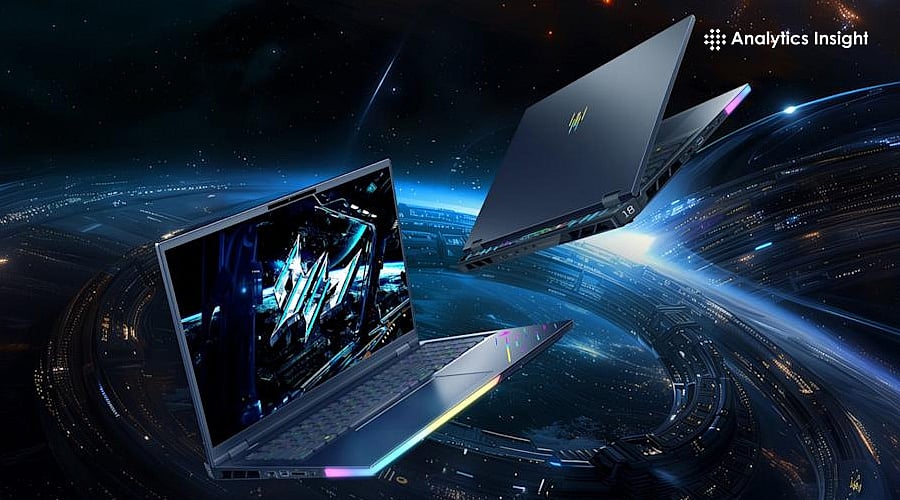
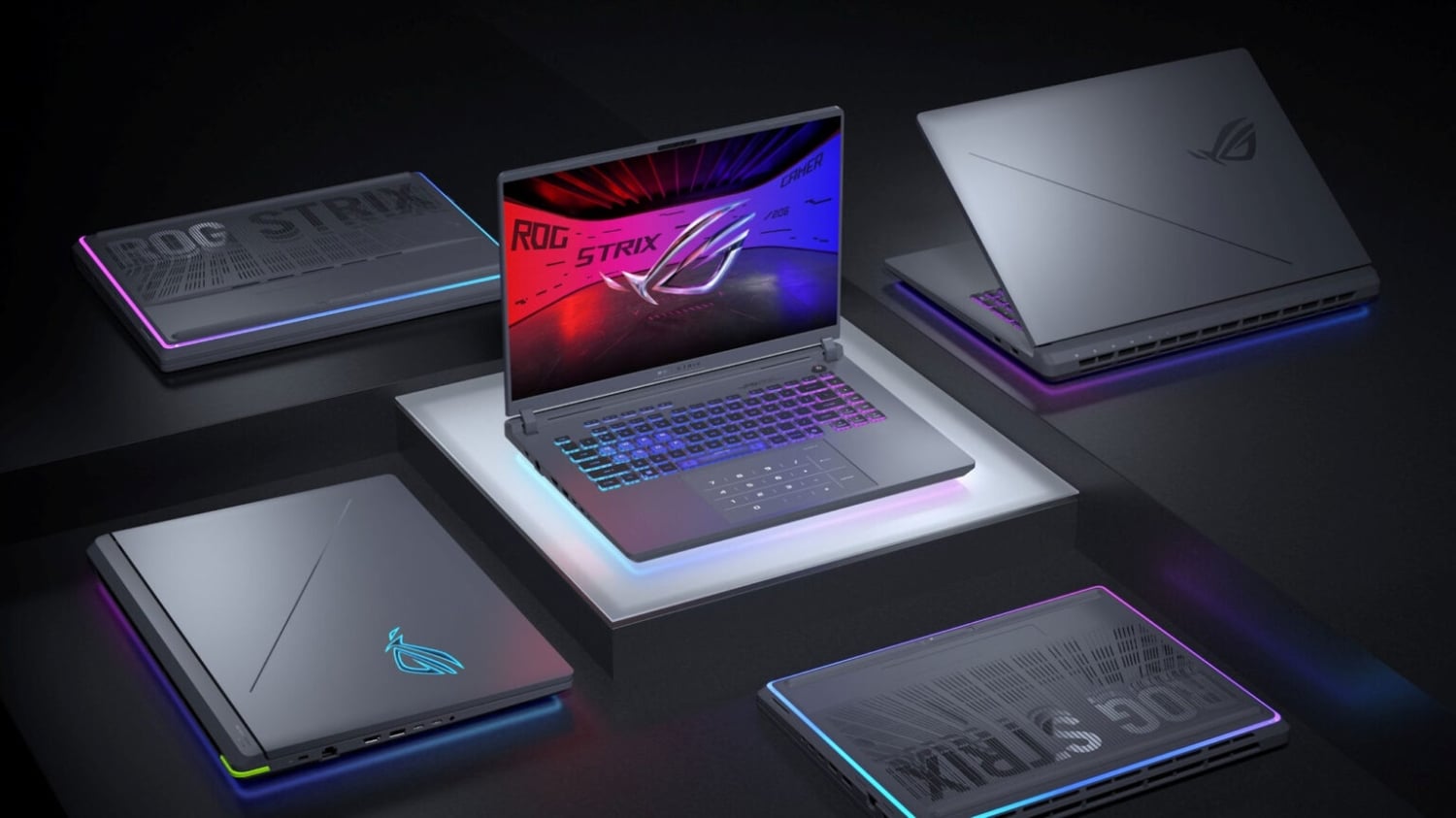

Top Gaming Laptops In 2026 For Epic Performance Top Gaming Laptops For 2026Most Powerful Picks . ASUS ROG Showcase At CES 2026 Confirmed With New Gaming Gear Laptops 109228 43 Asus Rog Showcase At Ces 2026 Confirmed With New Gaming Gear Laptops And Future Technology Full . Top 10 Gaming Laptops Of 2026 Unleash Next Level Power YouTube . Best Gaming Laptops For Every Type Of Gamer In 2026 Social.webp. Best Budget Gaming Laptops 2026 Top Value Picks Best Budget Laptops For Gaming 2026



Best Budget Gaming Laptops 2026 YouTube . The Ultimate Buying Guide To Gaming Laptops 2026 Sourav Joshi Vlogs Best Gaming Laptops 2026 . Best Gaming Laptops For Every Type Of Gamer In 2026 Blog.webp. 15 Best Gaming Laptops Of 2026 That Deliver Power And Portability Mad Top Gaming Laptops 2026 1835q . Best Gaming Laptops For 2026 Top Picks And Reviews Tech In Deep Best Gaming Laptops For 2026 300x300
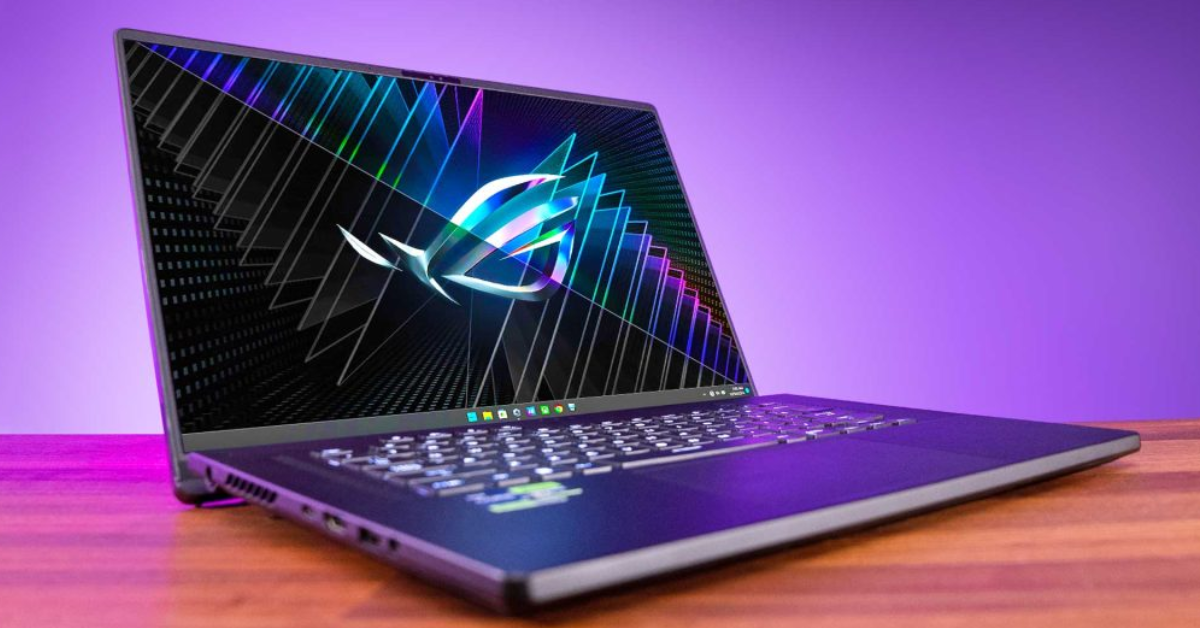


Gaming Laptops Are They Truly Worth It In 2024 Gaming Laptops . Best Gaming Laptops 2026 Top 5 Picks With RTX 50 GPUs Price Comparison Top 5 Gaming Laptops In 2026. Best Gaming Laptops For Every Type Of Gamer In 2026. 10 Best Laptops For DJing In June 2026 Complete DJ Buyer S Guide Best Gaming Laptops Under 600 . Top 5 BEST Gaming Laptops In 2026 Watch This Before Buy YouTube

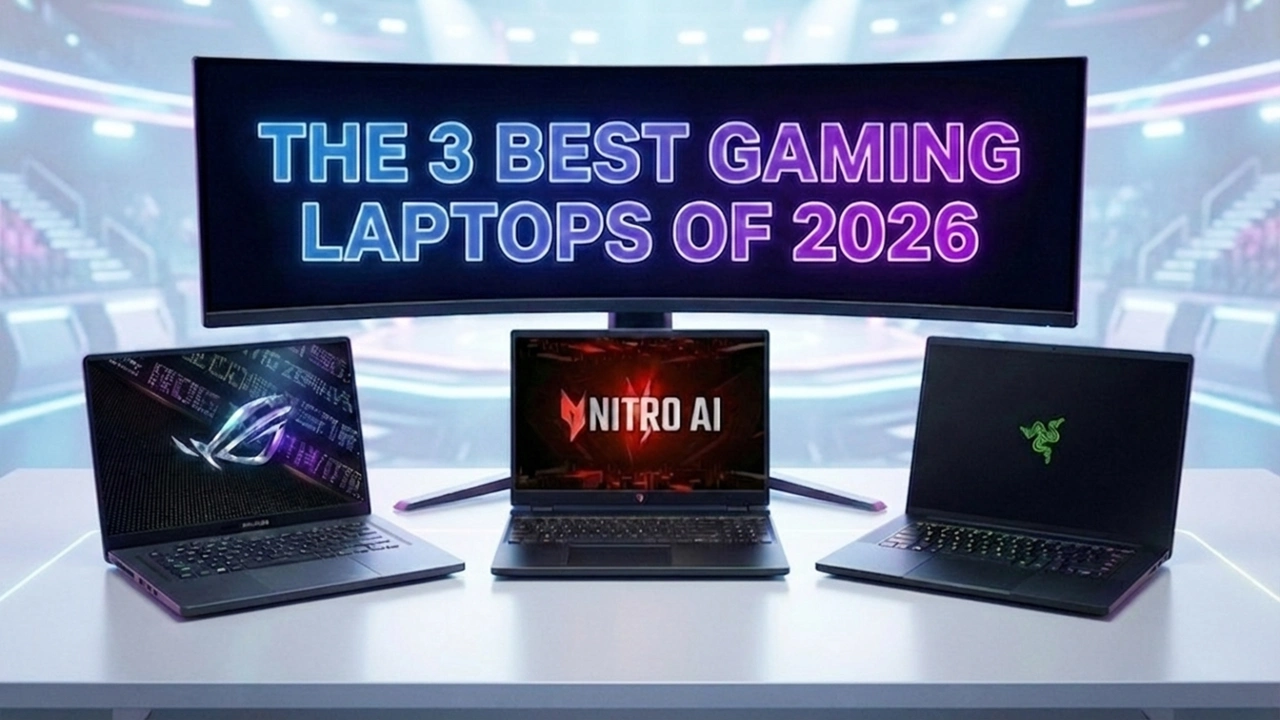
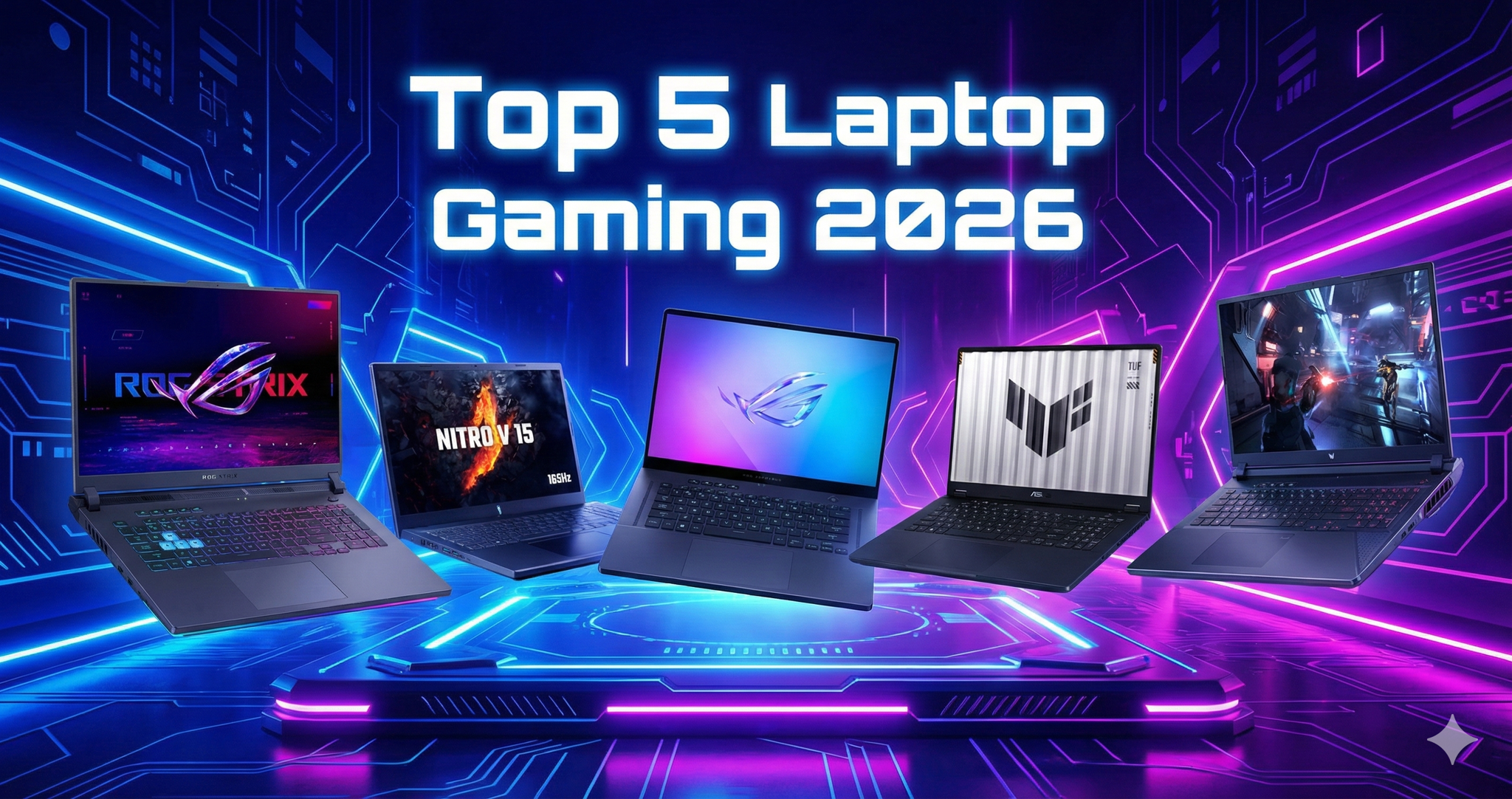

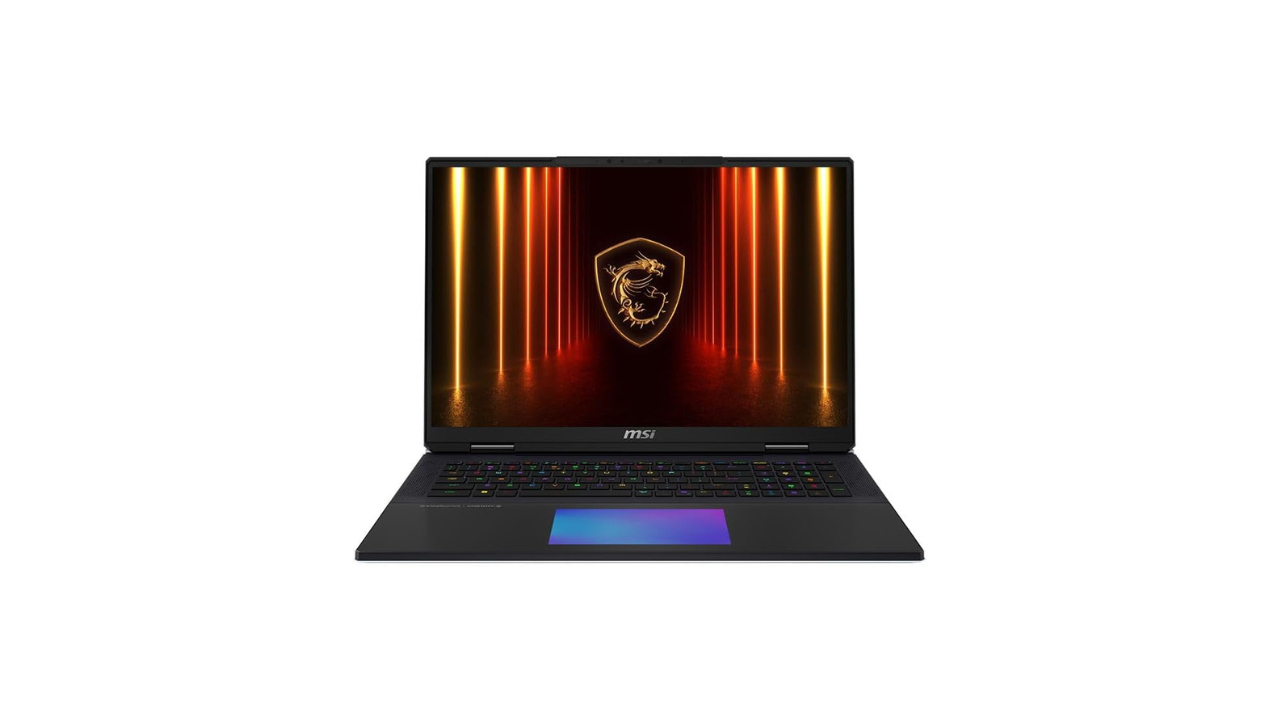
Top 5 BEST Gaming Laptops In 2026 YouTube . The 3 Best Gaming Laptops Of 2026 Expert Reviews Picks The 3 Best Gaming Laptops Of 2026.webp. Top 5 Laptop Gaming Ng Mua Nh T 2026 K Nguy N AI PC RTX 50 Series Gemini Generated Image . Best Laptops 2026 Top Picks For Every Budget Use Case Xthe Best Laptops 2026 Top Picks For Every Budget Use Case 750x350 . Top 5 Best Gaming Laptops For 2026 The Ultimate Guide 2026 Rank1one Gaming Laptops
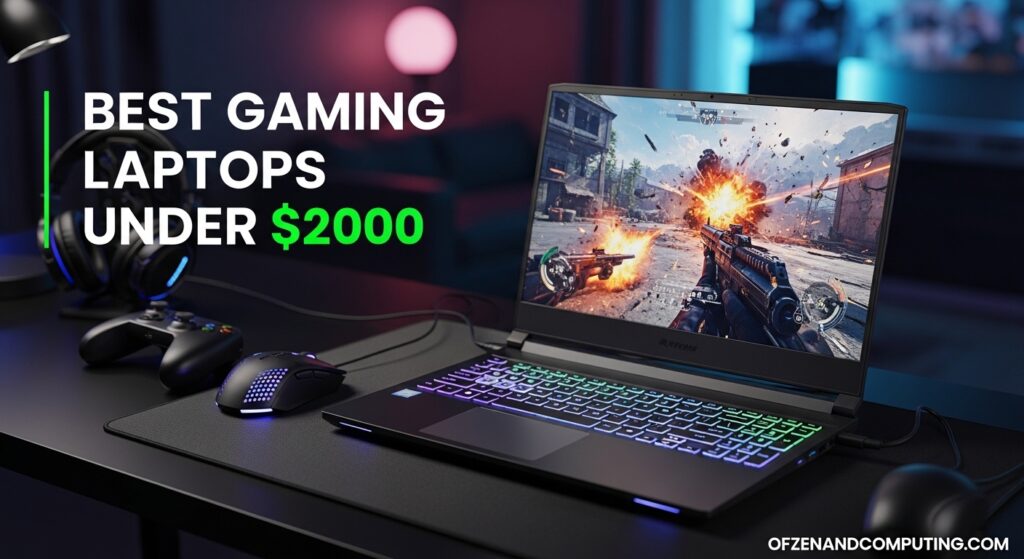
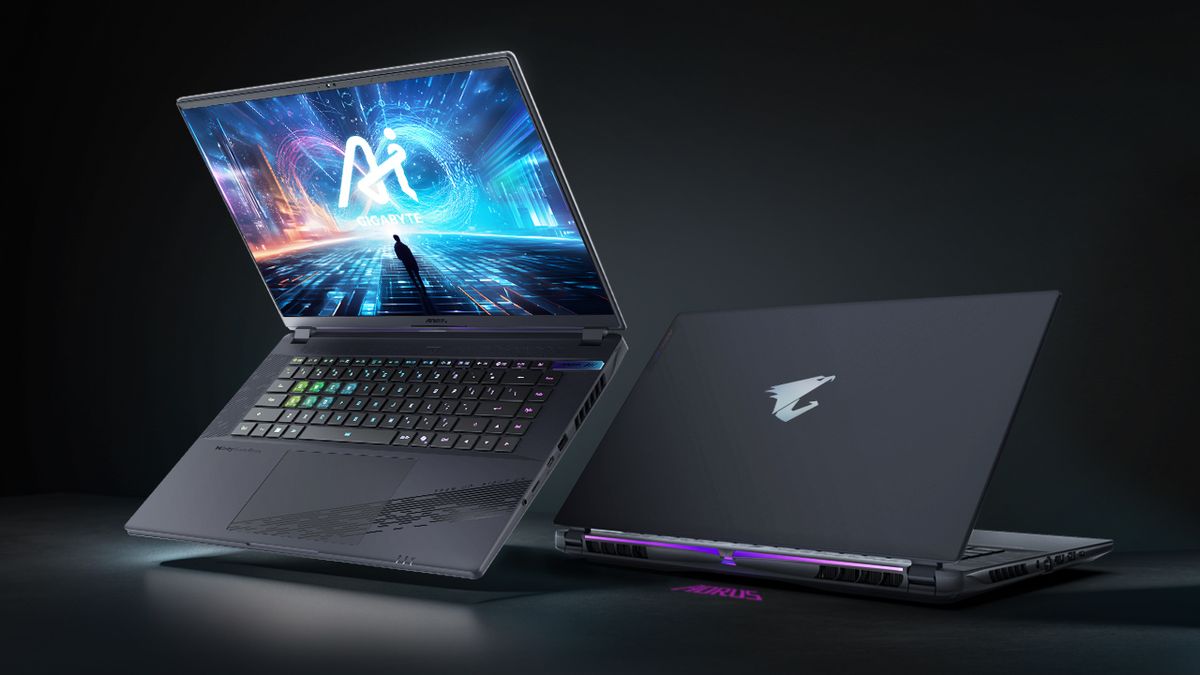

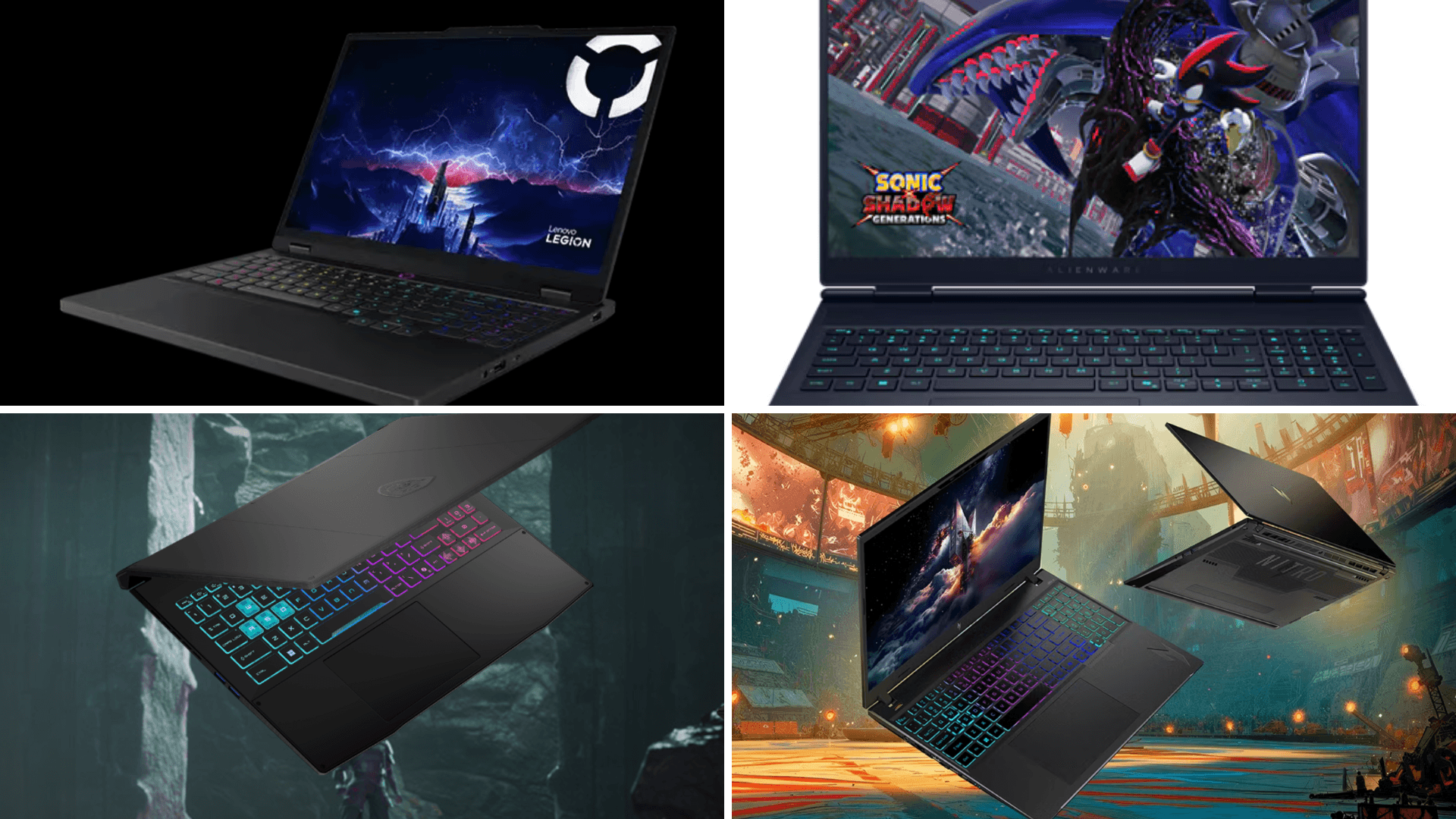
10 Best 2 In 1 Laptops In March 2026 Convertible Notebooks Best Gaming Laptops Under 2000 1024x559 . BEST GAMING LAPTOPS IN 2026 REVIEWED AND RANKED Technical 1200 80 . Best Gaming Laptops In Nepal 2026 Price And Guide GAMING LAPTOPS . Gaming Laptop Buying Guide 2026 Complete Buyer S Guide Gaming Laptop Buying Guide 2026 . Laptop Gaming T T Nh T 2026 Ch N Mua Laptop Gaming GAMES GG Best Gaming Laptops To Buy In 2026 1d762d90a2