Navigating the world of PC gaming hardware in 2026 can feel like a boss battle itself especially when you are balancing work family and your passion for virtual worlds. This comprehensive guide cuts through the noise offering practical up-to-date advice on selecting the best hardware for your gaming PC. Whether you are aiming for competitive esports social co-op sessions or immersive single-player adventures this resource provides clear actionable insights. We focus on optimizing performance balancing budget and making smart future-proof choices. Discover how to pick the right CPU GPU RAM and storage without the hype ensuring your setup supports your gaming lifestyle. Learn about the latest trends including the impact of mobile gaming and social platforms on hardware needs. This article is your trusted friend in building or upgrading a PC that delivers relaxation fun and skill-building without breaking the bank or taking up all your precious free time. Get ready to enhance your gameplay and stay current with the latest tech effortlessly.
What is the best hardware for a PC gaming build in 2026 for most gamers?
For the average gamer in 2026 the best hardware setup strikes a balance between performance cost and future-proofing. You are looking for components that can comfortably run new releases at high settings (1080p or 1440p) while also being efficient for multitasking and streaming. The core components include a strong mid-to-high range CPU like an Intel Core i5 or i7 (latest generation) or an AMD Ryzen 5 or 7 series. For graphics a mid-range NVIDIA RTX 40-series or AMD Radeon RX 7000-series GPU provides excellent value and performance. You will need at least 16GB of DDR5 RAM running at 6000MHz or faster and a fast 1TB NVMe SSD for your operating system and primary games. A reliable power supply unit (PSU) and a compatible motherboard tie everything together ensuring stability and upgrade potential. This configuration prioritizes a smooth enjoyable experience without pushing into enthusiast-tier pricing.
How do I choose the right CPU for my gaming PC without overspending?
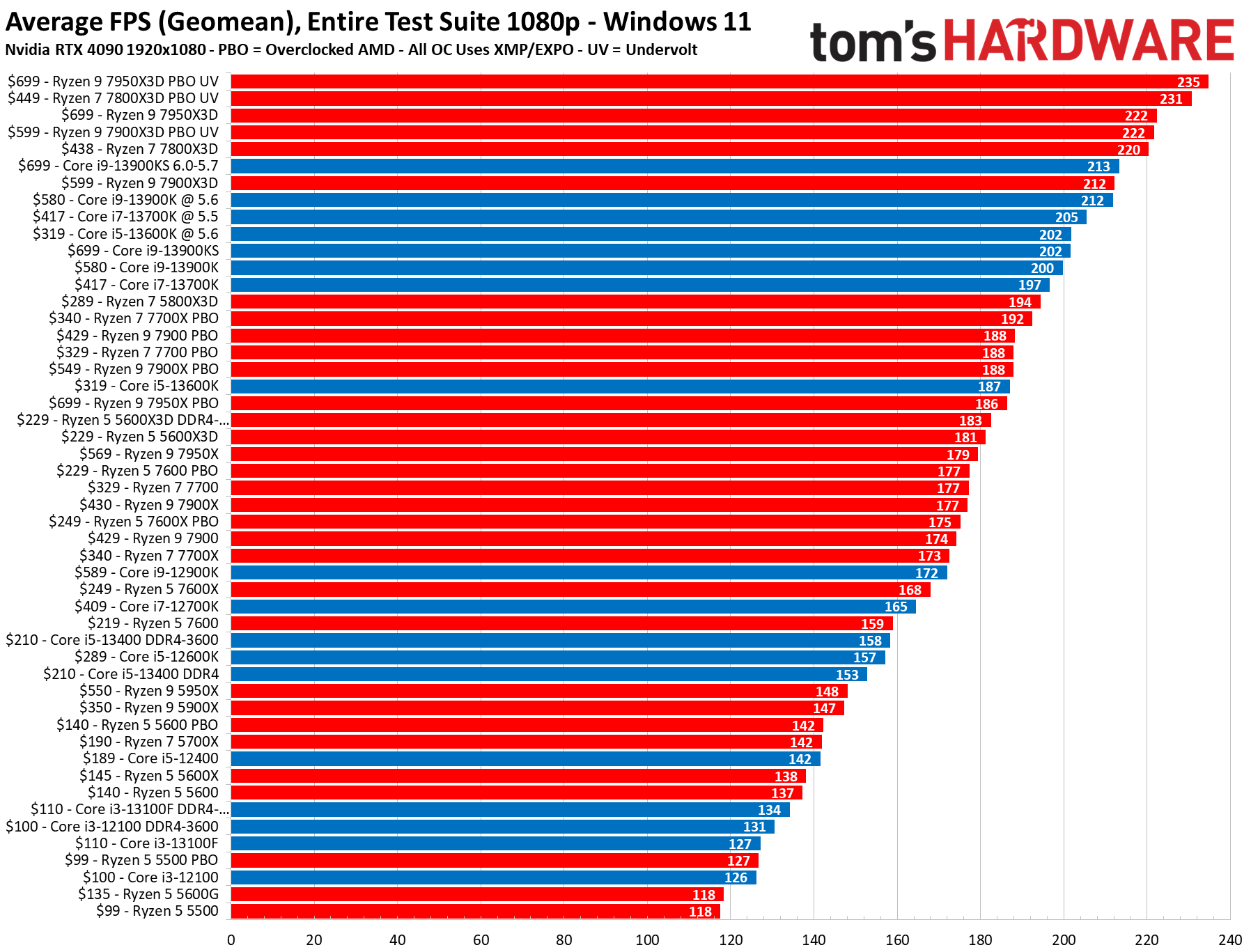
Choosing the right CPU is about understanding its role and your usage. For pure gaming raw core count often matters less than single-core performance and clock speed. A 6-core to 8-core CPU from the latest generations of Intel (e.g. Core i5-14600K) or AMD (e.g. Ryzen 7 7700X) is usually more than sufficient. These processors excel in gaming tasks and handle background applications like Discord Spotify or even light streaming without breaking a sweat. If you are also doing heavy video editing 3D rendering or professional streaming a higher core count (Ryzen 9 or Core i9) might be beneficial but for most gamers it is an unnecessary expense. Look for CPUs that offer a good balance of clock speed and efficiency ensuring your games run smoothly without a CPU bottleneck. Check benchmarks for your preferred games to see real-world performance differences before making a decision.
Which GPU offers the best performance-to-price ratio for PC gamers today?
The GPU or graphics card is the heart of your gaming PC dictating frame rates and visual quality. In 2026 finding the best performance-to-price ratio means looking at the mid-to-high range. Current standout options include the NVIDIA GeForce RTX 4070 Super or AMD Radeon RX 7800 XT. These cards deliver exceptional 1440p gaming performance and even respectable 4K performance in many titles especially with upscaling technologies like DLSS or FSR enabled. They strike a sweet spot offering significant power for today's demanding games without the premium price tag of flagship models. Consider benchmarks for games you play most frequently and prioritize VRAM capacity (12GB or more) for future-proofing especially with increasingly detailed game textures. Keep an eye out for sales and bundle deals which can further enhance their value.
What RAM configuration is ideal for 2026 gaming and multitasking?
For 2026 gaming and typical multitasking 16GB of DDR5 RAM is the absolute minimum you should consider with 32GB being the sweet spot for many gamers. DDR5 offers significant speed improvements over DDR4 which translates to smoother frame rates and faster load times especially in open-world games. Aim for a speed of at least 6000MHz with a low CAS Latency (CL30-CL32). This balance provides optimal performance without excessive cost. Higher RAM speeds can offer marginal gains but often come with diminishing returns in price. If you frequently run multiple demanding applications while gaming such as streaming editing software or numerous browser tabs upgrading to 32GB will provide a noticeable performance boost and prevent any memory-related bottlenecks. Always ensure your motherboard supports the chosen DDR5 speed and capacity.
How much storage do I really need for gaming and everyday tasks?
Gone are the days when a small SSD and a large HDD were the norm. For 2026 gaming an NVMe SSD is non-negotiable for your primary drive. These drives offer vastly superior speeds compared to older SATA SSDs or HDDs drastically reducing game load times and system boot-up. A 1TB NVMe SSD should be your minimum for the operating system and a few of your most played titles. With game sizes ballooning (many new titles exceed 100GB) you might quickly fill this up. Consider a 2TB NVMe SSD for more breathing room or combine a 1TB NVMe for critical games and a larger 2-4TB SATA SSD for your game library that doesn't demand the fastest load times. Traditional HDDs are now mostly relegated to mass storage for media files documents or older games where load times are less critical. Prioritizing NVMe for gaming ensures you spend less time waiting and more time playing.
What motherboard and power supply units are crucial for a reliable gaming rig?
The motherboard and power supply unit (PSU) are often overlooked but are foundational for a stable and upgradable gaming PC. For a motherboard choose one compatible with your chosen CPU generation (e.g. LGA 1700 for Intel 14th gen AM5 for AMD Ryzen 7000 series). Look for features like multiple M.2 slots for NVMe SSDs ample USB ports PCIe 5.0 support for future GPUs and robust VRMs (Voltage Regulator Modules) for stable power delivery. Brands like ASUS MSI Gigabyte and ASRock offer reliable options. As for the PSU never skimp here. A reliable PSU protects your components and ensures consistent power. Calculate your estimated power consumption (CPU + GPU are the biggest draw) and add a 20-30% buffer for efficiency and future upgrades. A 750W to 850W 80 Plus Gold rated PSU is a common recommendation for mid-to-high-end builds in 2026 offering excellent efficiency and reliability. Modular PSUs are also great for cleaner cable management.
Are there specific peripherals that truly enhance the gaming experience?
Absolutely! The right peripherals can significantly elevate your gaming experience. For monitors a high-refresh-rate display (144Hz or higher) with a low response time (1ms) is paramount for competitive gaming providing smoother visuals and reduced input lag. Consider G-Sync or FreeSync compatibility for tear-free gameplay. A comfortable ergonomic gaming chair can be a game-changer for long sessions preventing fatigue. Quality headphones with a clear microphone are essential for social gaming on platforms like Discord allowing for clear communication with your squad. A mechanical keyboard offers superior tactile feedback and durability while a responsive gaming mouse with customizable DPI settings can improve aim and precision. While these might not directly impact raw PC performance they profoundly affect comfort immersion and competitive edge making your limited gaming time more enjoyable and effective.
Hey fellow gamers! If you are anything like us you are passionate about gaming but also juggle a job family and a mountain of adulting. The idea of diving into the latest PC hardware trends can feel overwhelming right? You want to unwind after a long day immerse yourself in new worlds or dominate online without performance hiccups. You value smooth gameplay reliability and getting the most bang for your buck not endless hype cycles. It's a common dilemma keeping up with the rapid pace of tech while making smart choices that fit your real-world budget and limited free time. This isn't just about frames per second it is about finding that sweet spot where gaming enhances your life without adding stress.
Did you know that in the US alone 87% of gamers regularly play games averaging over 10 hours a week? And while mobile gaming is huge PC and console cross-play keeps us connected across platforms making a powerful PC still central for many. We are here to help you navigate the ever-evolving landscape of PC hardware in 2026. This guide is built for you the gamer who seeks optimal performance for titles like Elden Ring’s Shadow of the Erdtree competitive Valorant sessions or even cozy co-op games with friends on Discord without needing to become a hardware engineer. We will cut through the jargon and give you practical actionable advice on the best hardware for PC gaming focusing on what truly matters for your setup. Let's build a rig that supports your passion for relaxation fun and building those online friendships!
What is the best hardware for a PC gaming build in 2026 for most gamers?
For the average gamer in 2026 the best hardware setup strikes a balance between performance cost and future-proofing. You are looking for components that can comfortably run new releases at high settings (1080p or 1440p) while also being efficient for multitasking and streaming. The core components include a strong mid-to-high range CPU like an Intel Core i5 or i7 (latest generation) or an AMD Ryzen 5 or 7 series. For graphics a mid-range NVIDIA RTX 40-series or AMD Radeon RX 7000-series GPU provides excellent value and performance. You will need at least 16GB of DDR5 RAM running at 6000MHz or faster and a fast 1TB NVMe SSD for your operating system and primary games. A reliable power supply unit (PSU) and a compatible motherboard tie everything together ensuring stability and upgrade potential. This configuration prioritizes a smooth enjoyable experience without pushing into enthusiast-tier pricing.
How do I choose the right CPU for my gaming PC without overspending?
Choosing the right CPU is about understanding its role and your usage. For pure gaming raw core count often matters less than single-core performance and clock speed. A 6-core to 8-core CPU from the latest generations of Intel (e.g. Core i5-14600K) or AMD (e.g. Ryzen 7 7700X) is usually more than sufficient. These processors excel in gaming tasks and handle background applications like Discord Spotify or even light streaming without breaking a sweat. If you are also doing heavy video editing 3D rendering or professional streaming a higher core count (Ryzen 9 or Core i9) might be beneficial but for most gamers it is an unnecessary expense. Look for CPUs that offer a good balance of clock speed and efficiency ensuring your games run smoothly without a CPU bottleneck. Check benchmarks for your preferred games to see real-world performance differences before making a decision.
Which GPU offers the best performance-to-price ratio for PC gamers today?
The GPU or graphics card is the heart of your gaming PC dictating frame rates and visual quality. In 2026 finding the best performance-to-price ratio means looking at the mid-to-high range. Current standout options include the NVIDIA GeForce RTX 4070 Super or AMD Radeon RX 7800 XT. These cards deliver exceptional 1440p gaming performance and even respectable 4K performance in many titles especially with upscaling technologies like DLSS or FSR enabled. They strike a sweet spot offering significant power for today's demanding games without the premium price tag of flagship models. Consider benchmarks for games you play most frequently and prioritize VRAM capacity (12GB or more) for future-proofing especially with increasingly detailed game textures. Keep an eye out for sales and bundle deals which can further enhance their value.
What RAM configuration is ideal for 2026 gaming and multitasking?
For 2026 gaming and typical multitasking 16GB of DDR5 RAM is the absolute minimum you should consider with 32GB being the sweet spot for many gamers. DDR5 offers significant speed improvements over DDR4 which translates to smoother frame rates and faster load times especially in open-world games. Aim for a speed of at least 6000MHz with a low CAS Latency (CL30-CL32). This balance provides optimal performance without excessive cost. Higher RAM speeds can offer marginal gains but often come with diminishing returns in price. If you frequently run multiple demanding applications while gaming such as streaming editing software or numerous browser tabs upgrading to 32GB will provide a noticeable performance boost and prevent any memory-related bottlenecks. Always ensure your motherboard supports the chosen DDR5 speed and capacity.
How much storage do I really need for gaming and everyday tasks?
Gone are the days when a small SSD and a large HDD were the norm. For 2026 gaming an NVMe SSD is non-negotiable for your primary drive. These drives offer vastly superior speeds compared to older SATA SSDs or HDDs drastically reducing game load times and system boot-up. A 1TB NVMe SSD should be your minimum for the operating system and a few of your most played titles. With game sizes ballooning (many new titles exceed 100GB) you might quickly fill this up. Consider a 2TB NVMe SSD for more breathing room or combine a 1TB NVMe for critical games and a larger 2-4TB SATA SSD for your game library that doesn't demand the fastest load times. Traditional HDDs are now mostly relegated to mass storage for media files documents or older games where load times are less critical. Prioritizing NVMe for gaming ensures you spend less time waiting and more time playing.
What motherboard and power supply units are crucial for a reliable gaming rig?
The motherboard and power supply unit (PSU) are often overlooked but are foundational for a stable and upgradable gaming PC. For a motherboard choose one compatible with your chosen CPU generation (e.g. LGA 1700 for Intel 14th gen AM5 for AMD Ryzen 7000 series). Look for features like multiple M.2 slots for NVMe SSDs ample USB ports PCIe 5.0 support for future GPUs and robust VRMs (Voltage Regulator Modules) for stable power delivery. Brands like ASUS MSI Gigabyte and ASRock offer reliable options. As for the PSU never skimp here. A reliable PSU protects your components and ensures consistent power. Calculate your estimated power consumption (CPU + GPU are the biggest draw) and add a 20-30% buffer for efficiency and future upgrades. A 750W to 850W 80 Plus Gold rated PSU is a common recommendation for mid-to-high-end builds in 2026 offering excellent efficiency and reliability. Modular PSUs are also great for cleaner cable management.
Are there specific peripherals that truly enhance the gaming experience?
Absolutely! The right peripherals can significantly elevate your gaming experience. For monitors a high-refresh-rate display (144Hz or higher) with a low response time (1ms) is paramount for competitive gaming providing smoother visuals and reduced input lag. Consider G-Sync or FreeSync compatibility for tear-free gameplay. A comfortable ergonomic gaming chair can be a game-changer for long sessions preventing fatigue. Quality headphones with a clear microphone are essential for social gaming on platforms like Discord allowing for clear communication with your squad. A mechanical keyboard offers superior tactile feedback and durability while a responsive gaming mouse with customizable DPI settings can improve aim and precision. While these might not directly impact raw PC performance they profoundly affect comfort immersion and competitive edge making your limited gaming time more enjoyable and effective.
How can I balance a tight budget with achieving decent gaming performance?
Balancing budget with performance is a skill every gamer masters. First prioritize. The GPU is generally the most impactful component for gaming performance so allocate a significant portion of your budget there. Next focus on a solid CPU and an NVMe SSD. You can save money by opting for a slightly older but still capable generation of CPU (e.g. last gen Intel i5/AMD Ryzen 5). Look for sales on RAM and storage. Consider buying a reputable used GPU if you are comfortable but be cautious. You can also save by choosing a less expensive case a standard air cooler instead of an AIO liquid cooler or by starting with a smaller 500GB NVMe and adding more storage later. Free-to-play games and indie titles often have lower hardware demands allowing you to enjoy gaming while saving for that ultimate upgrade. Remember a good budget build today can always be upgraded in modules tomorrow.
When should I consider upgrading my existing PC hardware?
The right time to upgrade your PC hardware usually comes when you notice specific pain points. If your games are consistently struggling to maintain playable frame rates even at lower settings if load times are agonizingly slow or if you cannot run new titles at all it is time to consider an upgrade. For most core components like the CPU and GPU a 3-5 year upgrade cycle is common. However, with rapid tech advancements sometimes specific components like a GPU might need an earlier refresh especially if you are chasing higher resolutions or refresh rates. RAM and storage upgrades are often easier and more cost-effective fixes for performance bottlenecks. Instead of a full system overhaul identify the weakest link in your current setup using monitoring tools and upgrade that specific component first. This targeted approach saves money and extends the life of your existing rig.
What role does cooling play in maintaining PC hardware performance and longevity?
Cooling is critical for both performance and the longevity of your PC hardware. Overheating can lead to thermal throttling where your CPU or GPU automatically reduces its performance to prevent damage. This results in stuttering frame drops and a generally poor gaming experience. Proper cooling ensures your components can operate at their peak boost clocks consistently. Invest in a good CPU cooler whether it is a robust air cooler or an All-In-One (AIO) liquid cooler depending on your CPU's heat output and your budget. Ensure your PC case has good airflow with intake and exhaust fans strategically placed. Regularly cleaning dust from your fans and heatsinks is also vital as dust acts as an insulator reducing cooling efficiency. Effective cooling not only maximizes performance but also extends the lifespan of your expensive components protecting your investment.
As we wrap up our deep dive into the best hardware for PC gaming in 2026 remember that the ultimate setup is one that perfectly aligns with your lifestyle and gaming habits. It's about finding that sweet spot between cutting-edge performance and practical affordability allowing you to unwind socialize and sharpen your skills without the headaches. Whether you are building from scratch or looking to revitalize your existing rig smart choices are key. Prioritize components that deliver the biggest impact on your experience balance your budget with your desires and always keep an eye on future upgradability. Your gaming PC should be a source of joy not stress.
What's your biggest gaming challenge or your next dream upgrade? Comment below and let's keep the conversation going!
FAQ Section
Is custom PC building still worth it in 2026?
Yes absolutely. Building your own PC offers unparalleled control over component selection often resulting in better performance-to-price ratios and greater customization than pre-built systems. It also provides a valuable learning experience and makes future upgrades simpler.How important is RGB lighting in PC hardware?
RGB lighting is purely aesthetic and has no impact on performance. While it can make your setup visually appealing it is an optional feature. If you are on a tight budget consider saving money by opting for non-RGB components and investing those funds into better performance parts like a faster GPU or more storage.Can I use my gaming PC for creative work too?
Many gaming PCs are perfectly capable of handling creative tasks like video editing graphic design or streaming. Look for a CPU with more cores (Ryzen 7/9 or Core i7/i9) and at least 32GB of RAM if creative work is a significant part of your usage. A powerful GPU also benefits tasks like 3D rendering and video encoding.What are common mistakes to avoid when buying PC parts?
Common mistakes include bottlenecking (e.g. pairing a high-end GPU with a weak CPU) buying an insufficient PSU not checking component compatibility choosing slow storage or RAM and neglecting proper cooling. Always research and plan your build thoroughly to avoid these pitfalls.Are pre-built gaming PCs a good option in 2026?
Pre-built gaming PCs have improved significantly offering convenience and often good value especially during sales. They come with warranties and professional assembly. However they might involve some compromise on specific components or offer less upgrade flexibility compared to a custom build. They are a great option for busy gamers who want a ready-to-play system.Best PC hardware guide for 2026 gaming CPU GPU RAM storage selection tips budget optimization future-proofing PC upgrades cooling solutions essential peripherals performance-to-price ratio for gamers balancing life and gaming social gaming trends US gaming statistics.
35


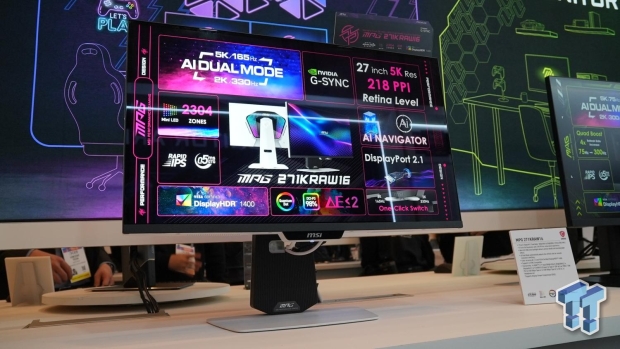
Best Gaming PC Builds For 2026 Best Gaming PC Builds For 2026.webp. Top 10 Best Desktop Computers 2026 For Home Office And Work Lenovo Legion Tower 7i 2026 High Performance Desktop Computer With RGB Lighting Featured In. Top 10 Best Desktop Computers 2026 For Home Office And Work Lenovo Legion Tower 5i 2026 Budget Desktop Computer For Home Office Among Best Desktop. Top 10 Best Desktop Computers 2026 For Home Office And Work Apple IMac M4 2026 All In One Desktop Computer For Creative In Best Desktop. TweakTown S CES 2026 Top Picks The Best Hardware Gaming Gear And AI 11307 7 Tweaktowns Ces 2026 Top Picks The Best Hardware Gaming Gear And Ai




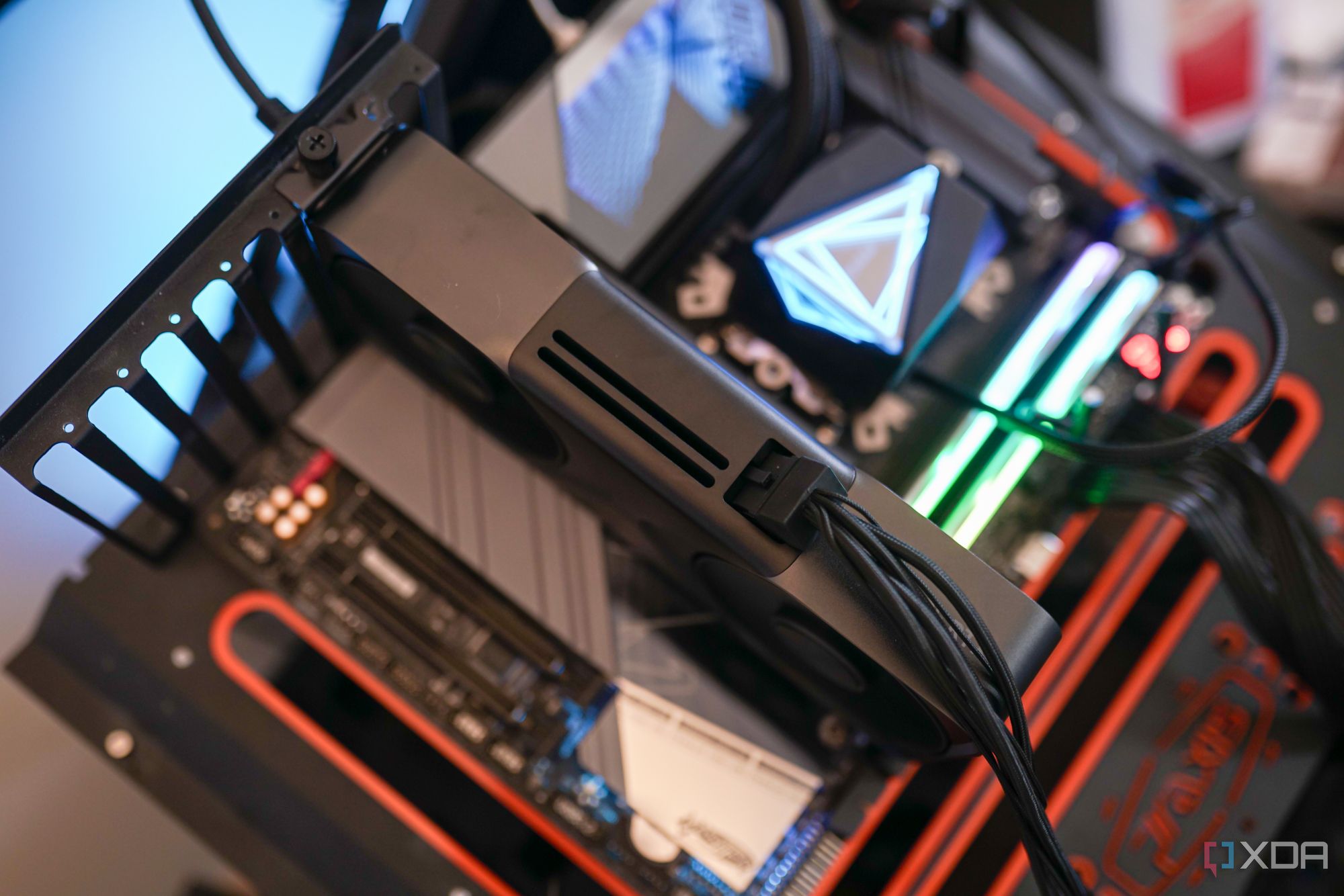
The Ultimate Gaming PC Build 2026 Guide By Xidax 1 Unnamed . The Best Gaming PC Builds For 2026 Top Picks And Reviews Best Pc Build . Best PC Cases 2026 Our Tested Picks For Your Next Build Tom S Hardware . Top 10 Best Desktop Computers 2026 For Home Office And Work HP OmniStudio X Pro 2026 All In One Desktop Computer With Large Display Ranked Among Best. The Gaming PC You Need To Build For 2026


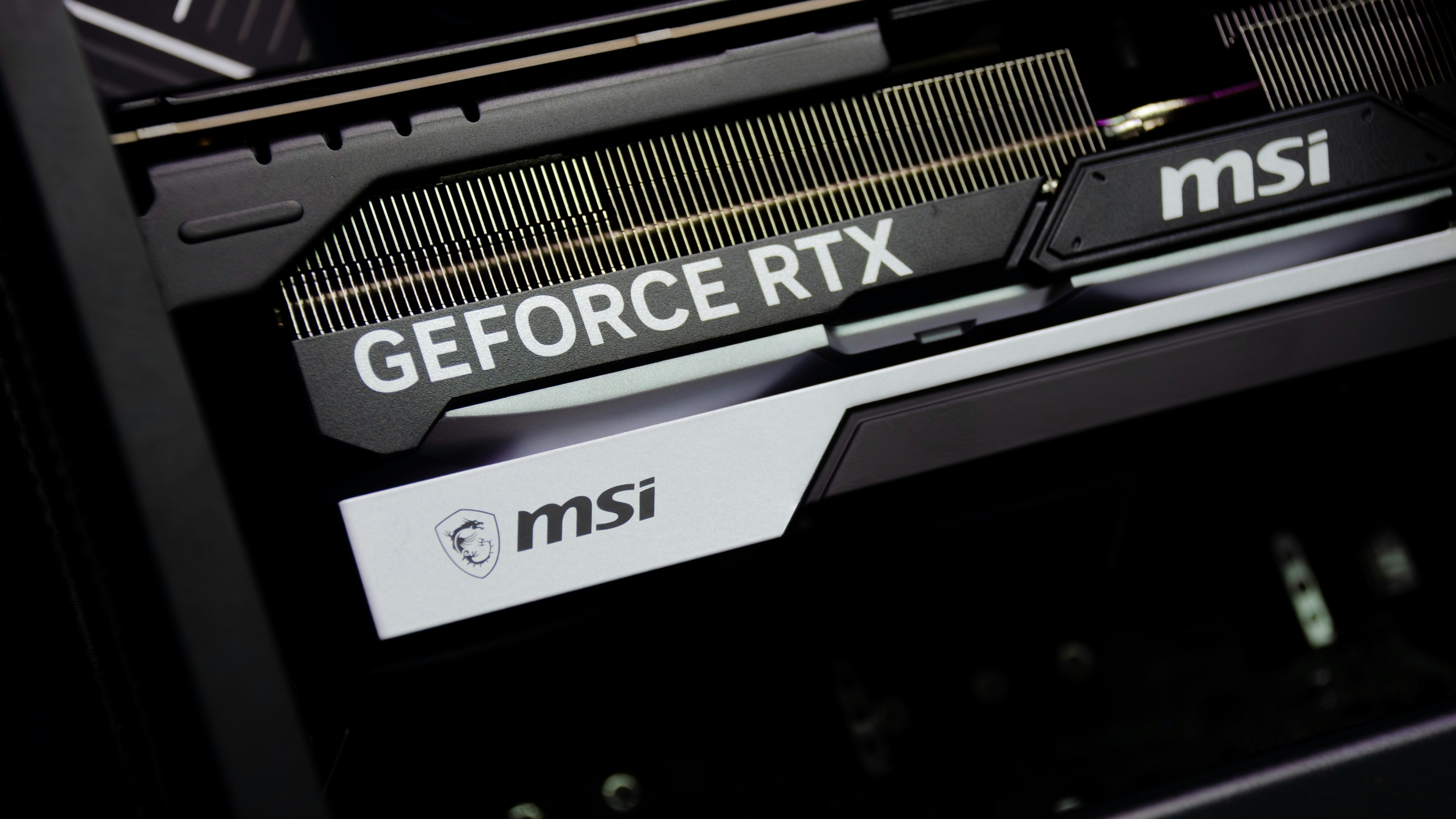
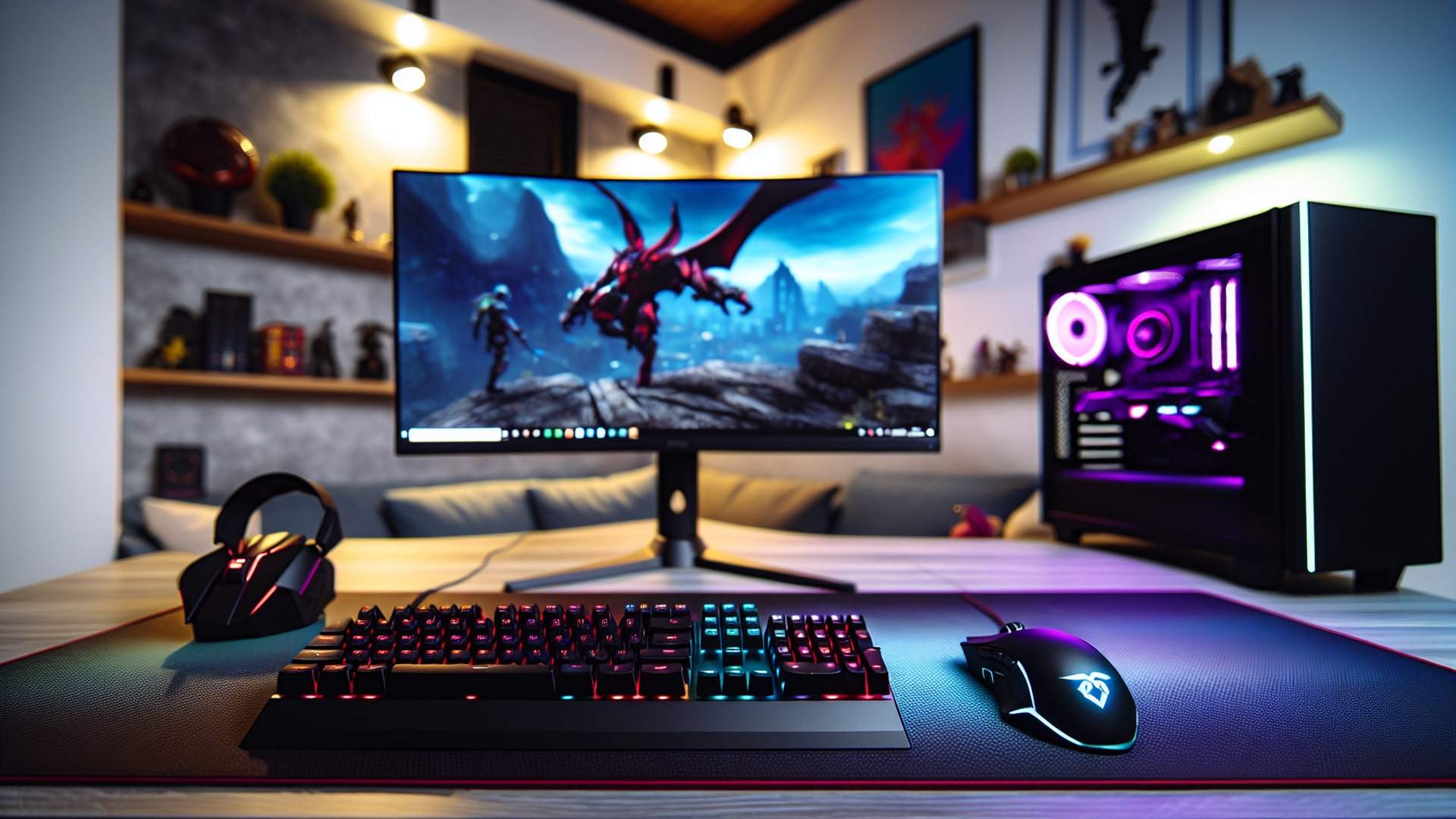
7 Best Gaming PCs Of 2026 Power Performance And Value Revealed Top Gaming Pcs 2026 1lmv2 . Tech Guided Tech Guides PC Builds Hardware Reviews Best Budget Gaming PC Builds For 2026.webp. Top PC Hardware Features Gamers Rely On In 2026 For Maximum Performance Close Photo Gpu . Top Gaming PC Builds Master The Hardware Game In 2026 Gaming Peripherals . 2026 CPU CPU CPU 1796 80


Best AI PC Laptop Hardware Guide 2026 NPUs GPUs Best Ai Pc Laptop Hardware . TweakTown S CES 2026 Top Picks The Best Hardware Gaming Gear And AI 11307 2 Tweaktowns Ces 2026 Top Picks The Best Hardware Gaming Gear And Ai . The Best PC Hardware And Software Of 2025 2026 PCWorld Dell 32 Plus 4k S3225qc 3 . Top 10 Best Desktop Computers 2026 For Home Office And Work Dell Tower Plus 2026 Desktop Computer With Sleek Design And Powerful Components For Best. The Best PC Hardware And Software Of 2025 2026 PCWorld Msi Mpg 272urx 3



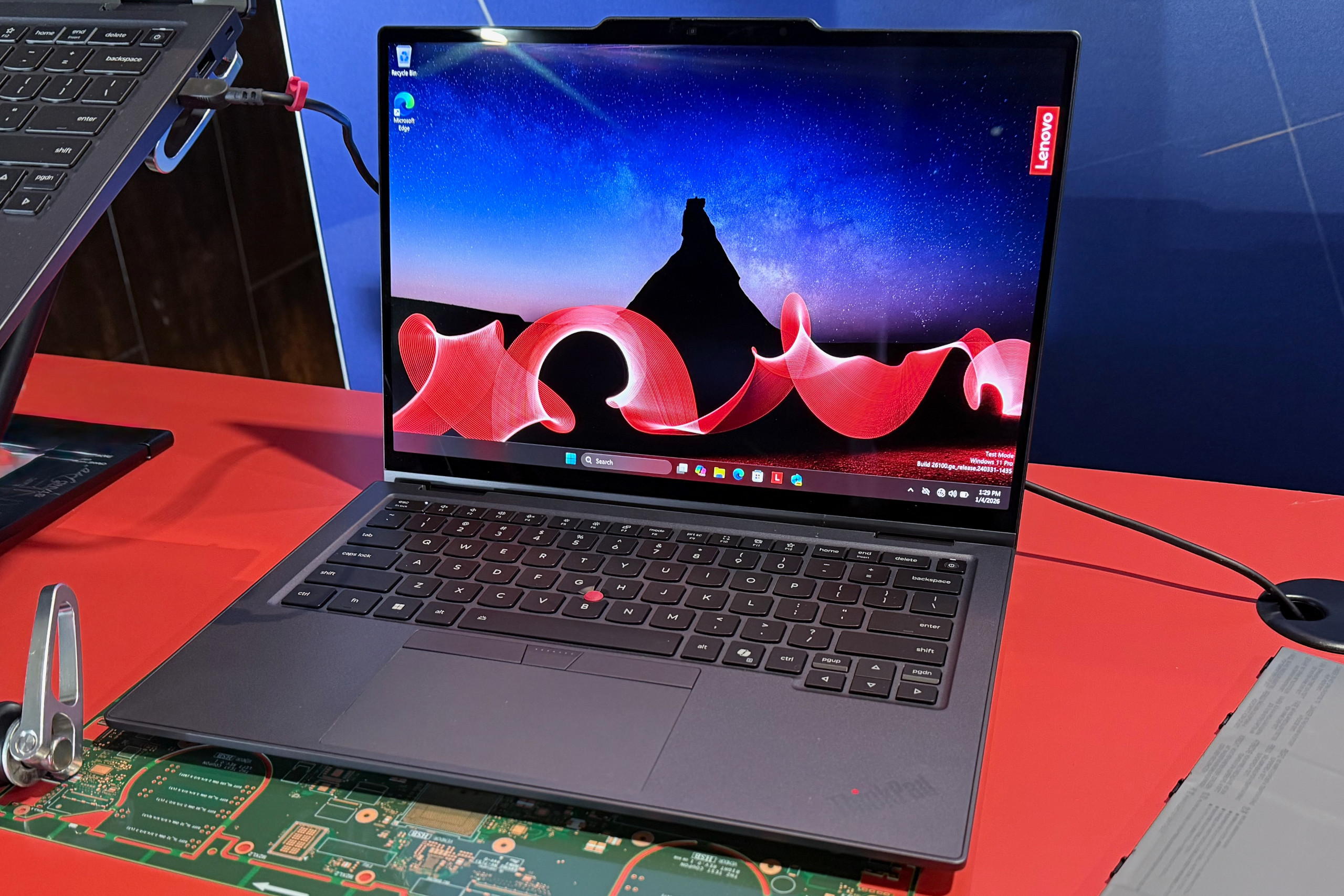
Valve Announces Steam Hardware Lineup Coming In 2026 Here S Steam Hardware Splash . Watch AI Demand Top Of Mind For PC Hardware Giants In 2026 Bloomberg 1x 1.webp. The Best PC Hardware Of 2020 YouTube . Tom S Hardware CES 2026 Best In Show Innovating Amidst The RAM And . The 10 Best Laptops At CES 2026 PCWorld Lenovo ThinkPad X1 Carbon Aura Edition At CES 2026





Best Laptops 2026 Top Picks For Every Budget Use Case Xthe Best Laptops 2026 Top Picks For Every Budget Use Case 750x350 . The Best PC Hardware And Software Of 2025 2026 PCWorld IMG 3900 . Best Hardware Wallets For Crypto 10 Top Secure Altcoin Solutions 2026 Best Hardware Wallets For Crypto 1536x1024 . Download 2026 New Year 4k 3d 2026 Digits Blue Technology Background Thumb2 2026 New Year 4k 3d 2026 Digits Blue Technology Background 2026 Technology Background . Digital Signage PC 2026 Top Hardware Und Player Digital Signage Pc 2026 Hardware Guide

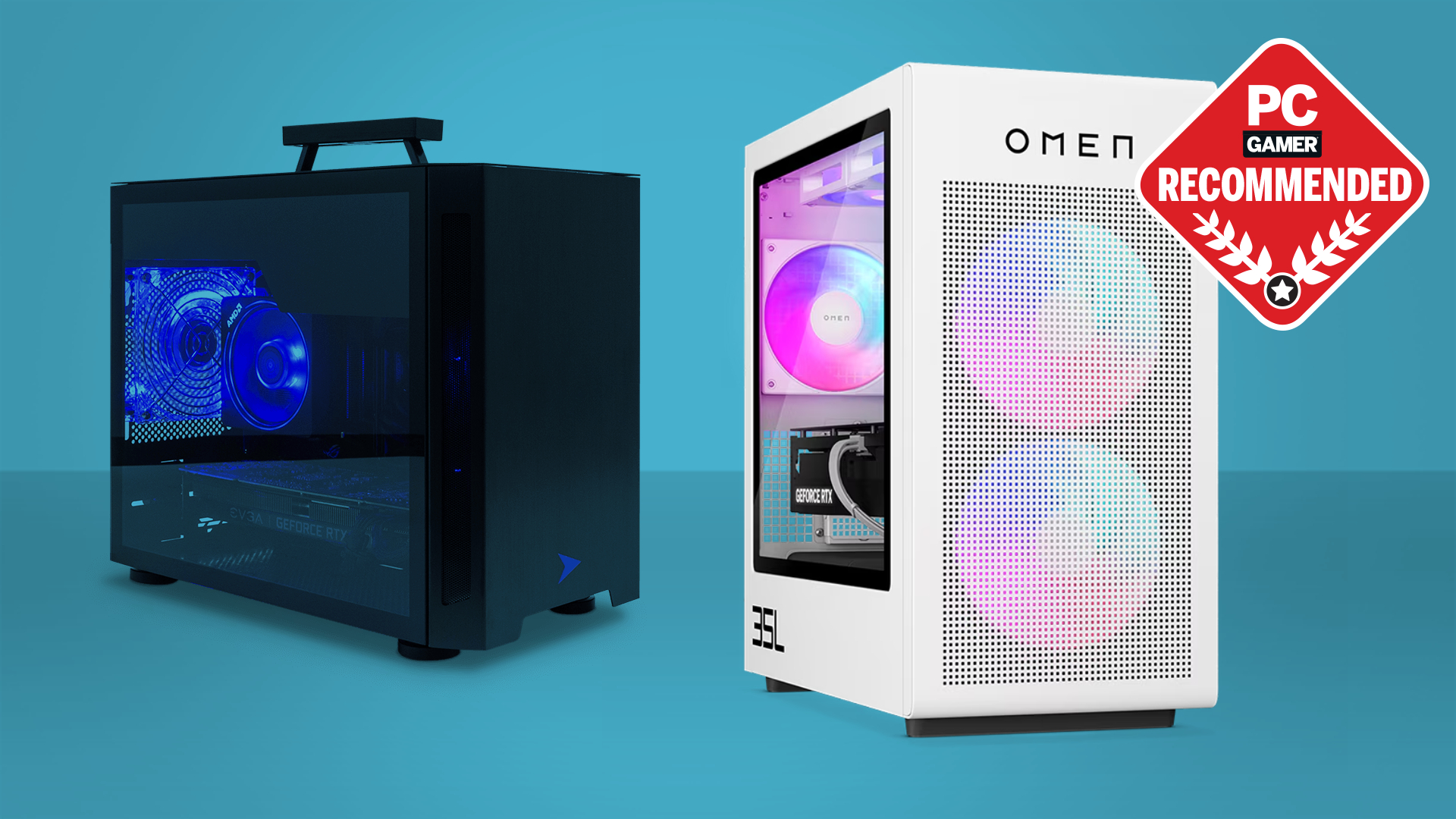


The Best PC Hardware And Software Of 2025 2026 PCWorld PCW Awards 2025 2026 2 1 . Best Graphics Cards In 2026 I Ve Tested Pretty Much Every AMD And . Ultimate 2025 2026 Desktop PC All In One Showdown Top Picks For Desktop Pc 1024x574 . 12 Best Gaming Headphones For PC May 2026 Models Tested Best Gaming Headphones For PC 1250x768 . Best For Gaming PCs In 2026 Intel AMD Guide Motherboard For Gaming Pcs In 2026.webp